Using Entity Values inside bot responses
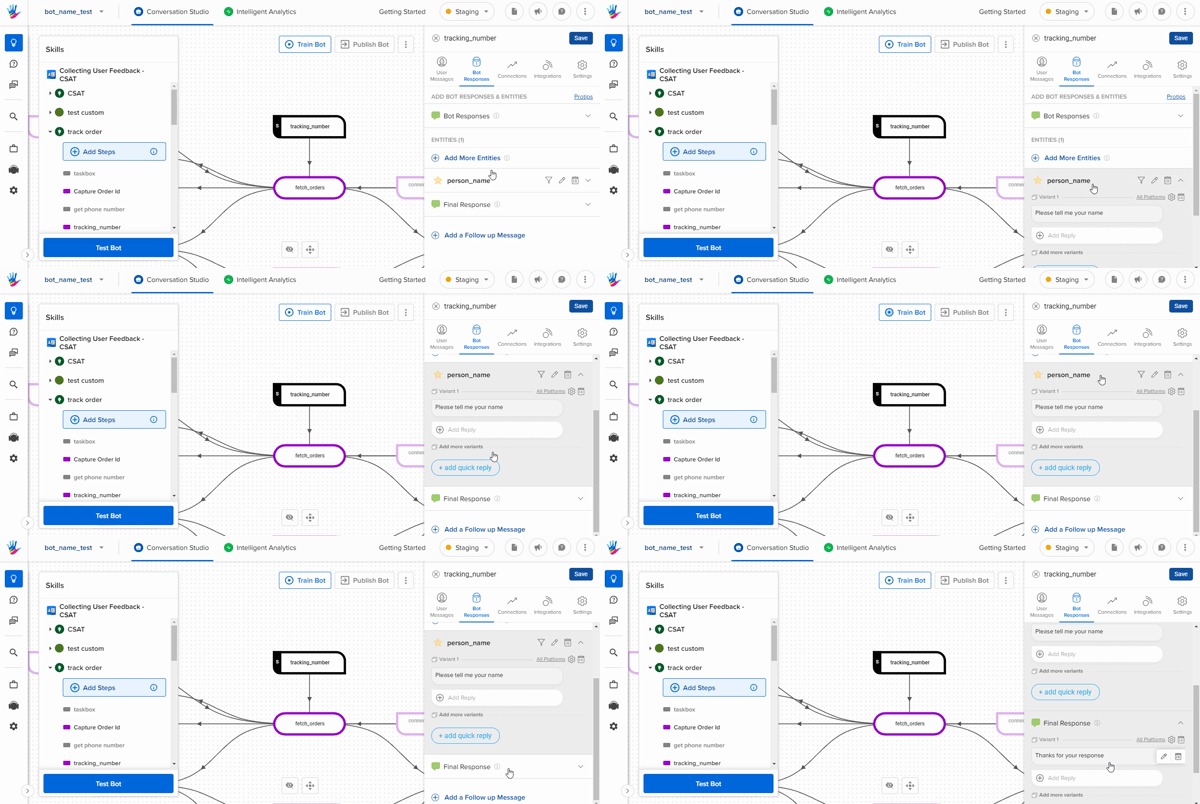
You can use the value collected in the entity inside your bot responses to personalize the messages. For example: if you collect the user's name using the person_name entity and you want to use it in the Final Response, you can use the name as shown below -
Using Simple Entities in bot responses
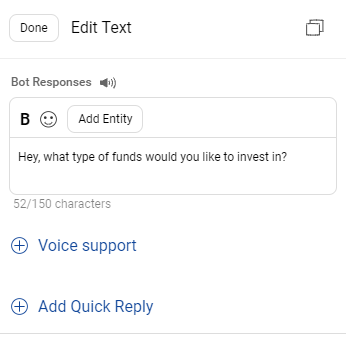
To use the entity value of simple text entities click on the Add Entities dropdown on the top of the bot responses textbox and pick the entity value you want to add.
Using Complex Entities in bot responses
To use the entity value of complex entities like a date which can be represented in multiple formats click on the Add Entities dropdown on the top of the bot responses textbox and pick the complex entity in the format you want it to be shown in.
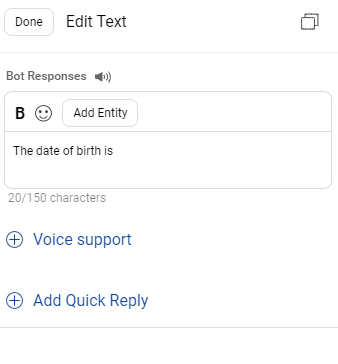
Custom or locally created entities have %entitytag along with the entity name. For example, %entitytag_order_id, here, order_id is a locally created entity.
ProTips
You can create personalized responses by using specific tags in the bot response. To view the ProTips, you can follow the steps below.
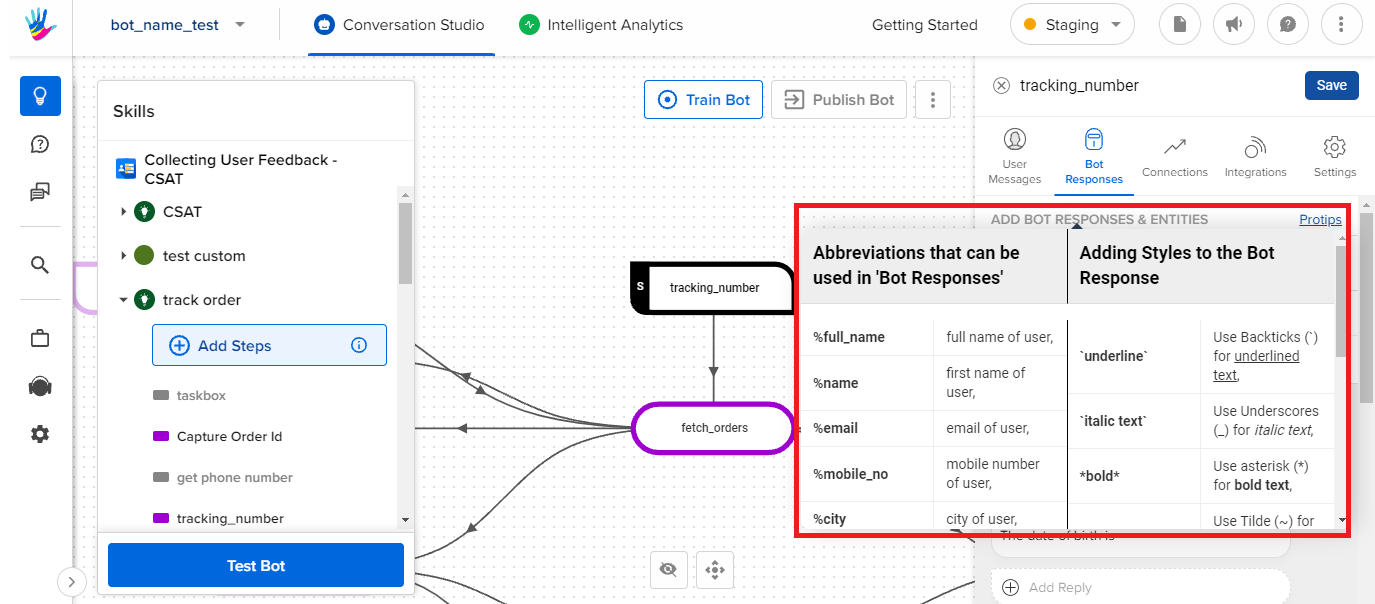
There are 2 categories of ProTips available:
- Customizing message appearance:
- You can customize the appearance of the response by using combinations of *, ~, ` and _ to make the text Bold, Strikethrough, Underline, and Italic respectively.
- Customizing message content
- You can customize the message response using keywords like %name, %timeofday, %date, etc.
For example, if you use "Good %timeofday", the bot will reply back Good Morning/Afternoon/Evening depending on the time of the day.
If you scroll to the bottom, you will see %entitytag_<entity_name>. You can use this tag to use the value of any entity collected in the Bot Flow.
So a response like "Hey %entitytag_person_name! Nice talking to you." would become "Hey Bruce Wayne! Nice talking to you".