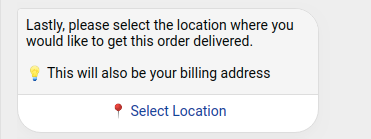
Copy an HSL:
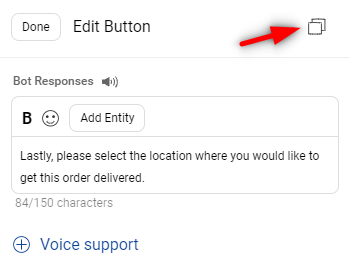
The HSL elements such as carousels, buttons, and images can be copied as it is via the Copy JSON button present on the HSL screen.
Paste an HSL:
- On the step, select Raw Text/JSON as the element
- The JSON format of an element gets pasted, then click on Done
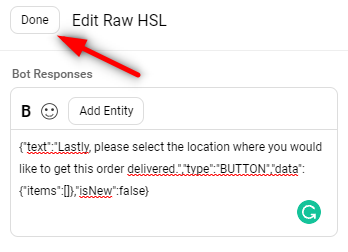
The HSL becomes this: