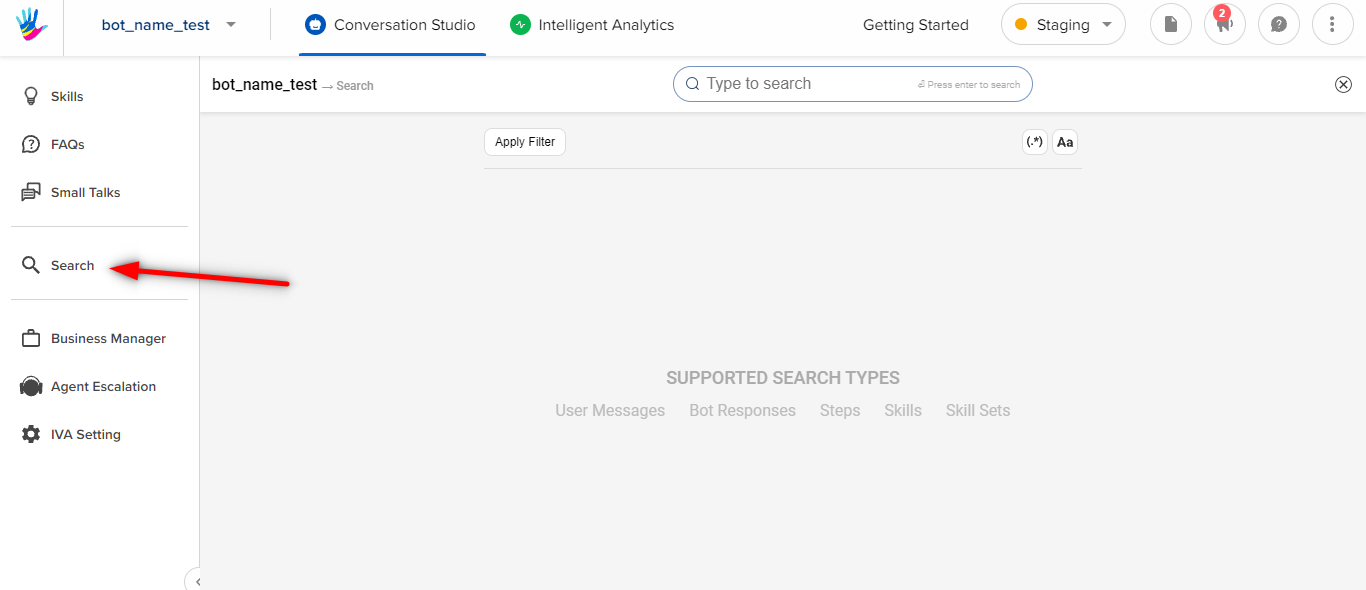
To find something on the bot, you can click the Search area within your bot view.
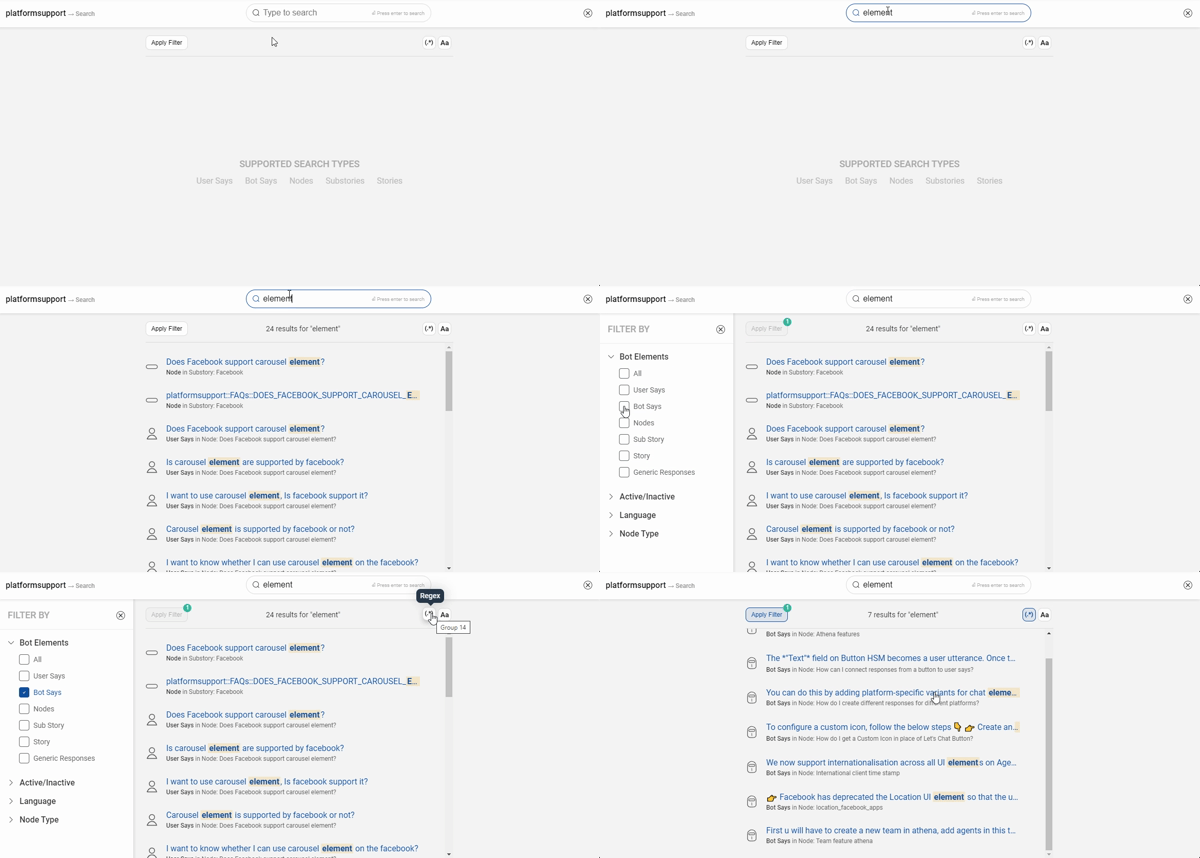
 You can select the Apply Filter option, to apply a filter to your search. There are the following filters for better search results -
- Bot Elements
- You can narrow down your search for the types of elements you want to search from.
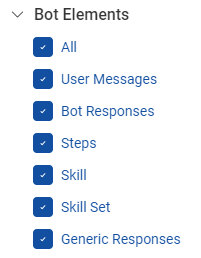
- You can narrow down your search for the types of elements you want to search from.
- Active/Inactive
- This filter can help search from active stories or inactive 4steps independently.
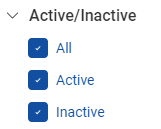
- This filter can help search from active stories or inactive 4steps independently.
- Language
- To check copies in Hindi/English mode specifically
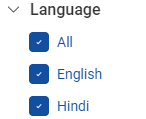
- To check copies in Hindi/English mode specifically
- Step Type
- You can either search from the Graph steps that you created as a part of the user journey or other components present on the bot, for example, Small Talk.
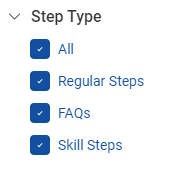
- You can either search from the Graph steps that you created as a part of the user journey or other components present on the bot, for example, Small Talk.
- Case-sensitive
- You use this filter to search for some strict case phrases. This search functionality is really useful in complex bots with multiple steps and user messages. Especially, while debugging to go back and modify something on the bot.

- You use this filter to search for some strict case phrases. This search functionality is really useful in complex bots with multiple steps and user messages. Especially, while debugging to go back and modify something on the bot.
- Regex
- You can use multiple expressions to search for only numbers or email-ids.
Ex: Searchingo(a|d)+will match the results with pattern oa or od.
- You can use multiple expressions to search for only numbers or email-ids.