Smart Actions
There are 3 smart actions available
- {} - This can be used when you want to skip any message. This is vastly used in Final Response when you want to skip this message.
-
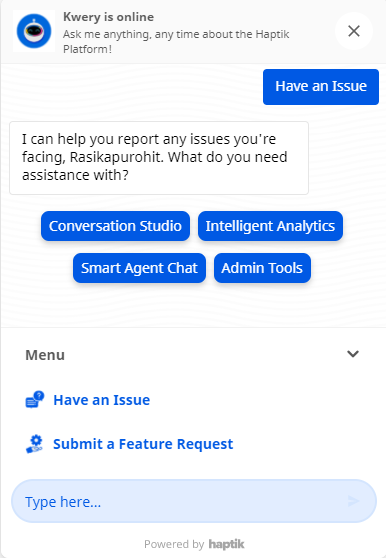
{taskbox} - When the user reaches a Step where bot responses are {taskbox}, the bot opens up the Menu.
-
{feedback} - When the user reaches a Step where bot responses are {feedback}, the feedback module is sent to the user on the bot.
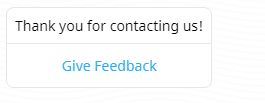
{taskbox} and {feedback} is available only for Web SDK.
Using Escape Characters
When you want to show values that include special characters, the bot might render the characters in a different format. For example, if the value you want to display is abc_123_xyz, the bot will render the value as shown below -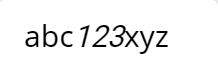
In order to display the special characters, you can use escape characters.
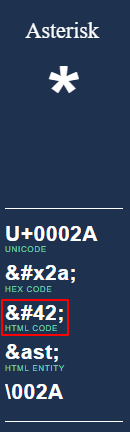
To find the escape character, visit this website and use the HTML Code value.