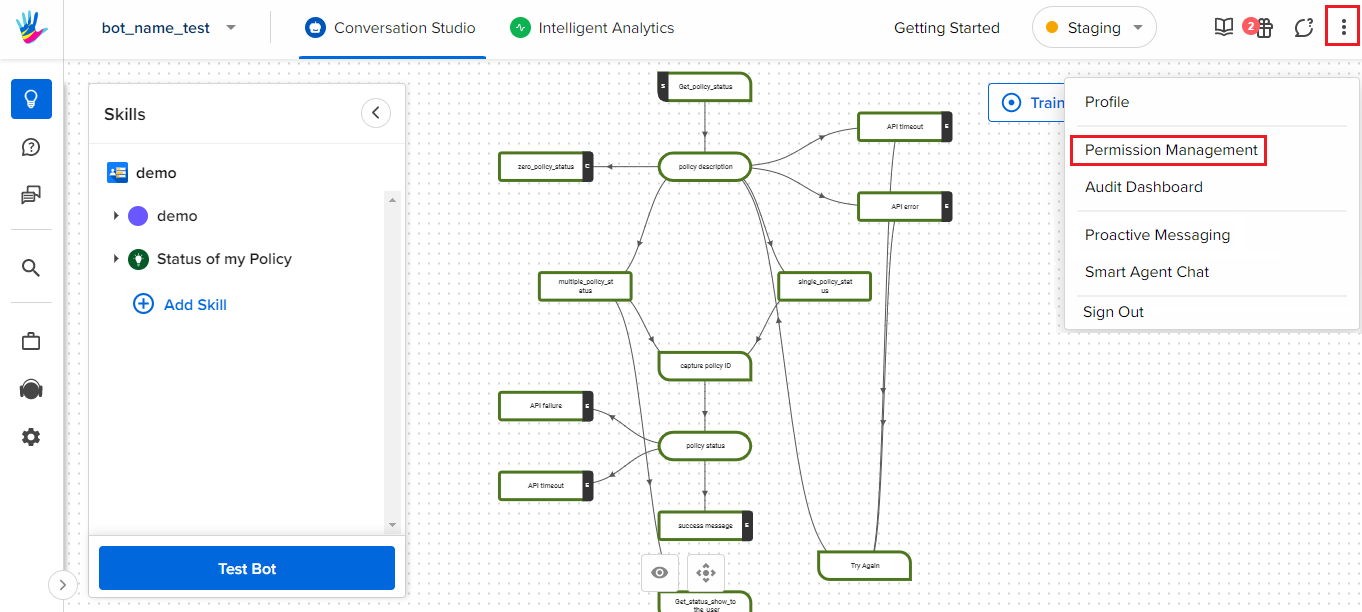
In order to check if you have Admin Access to Haptik or not, you need to open your bot on Haptik, and tap on the vertical ellipsis(⋮), at the top right of the screen. Here, if you are able to see Permission Management, then it means you have Admin Access, otherwise, you do not.