Overview
Providing assistance in the customer-preferred language sets your brand apart from competitors. With Haptik, you can create multilingual bots with ease. However, users may not be able to communicate with your bot in their preferred language if they don’t find the option to do it.
Steps to Change Language Icon for your Haptik Bot
- Log in to your Haptik account.
- Go to Business Manager and select Channels.
- Now, in the SDK Configuration, scroll down to JS Configurations and choose a logo available under the Language Icon section.
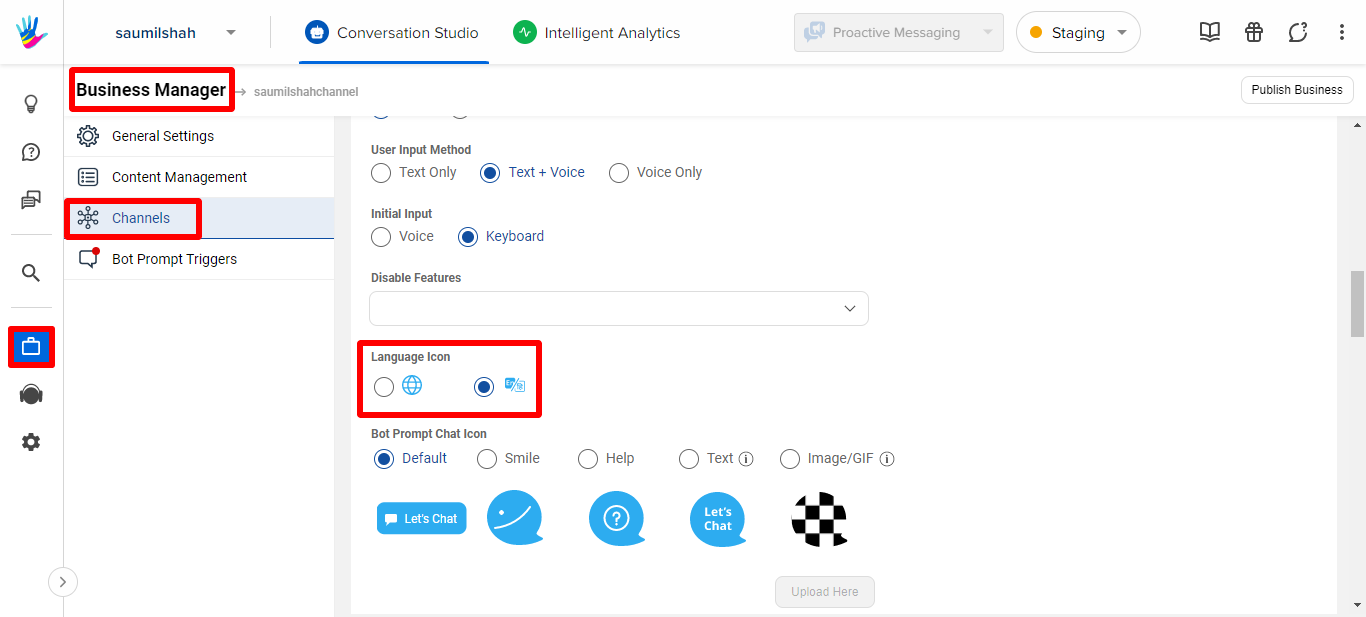
- Click Save to finalize your selected logo.
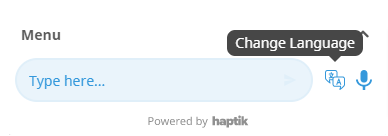
Output:
Should you need any help regarding this, please contact your Haptik SPOC right away.