When you have added an Entity in the Bot Responses section, you can set its privacy by marking it personal.
In order to mark your entity as personal, navigate to Conversation Studio > Static Step(any Static Step that has an entity added in Bot Response)
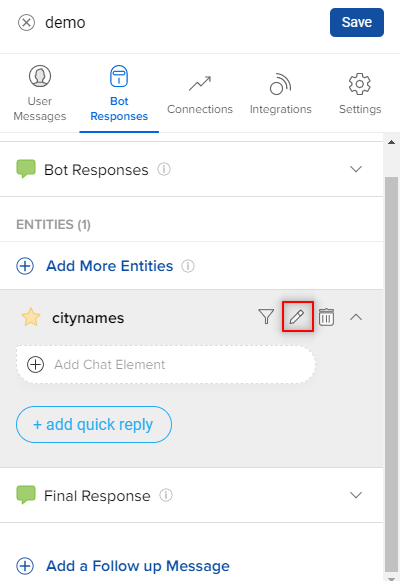
Here, we see an entity "citynames" added in the Bot Response section. You need to select the pencil option, as shown.
Once you have selected the pencil option, it will open this pop-up which is a Entity Settings page for the citynames entity. As you can see in the below image, the User Data Privacy option has two options Personal and Non-personal. You can select either of these two as per your requirements.
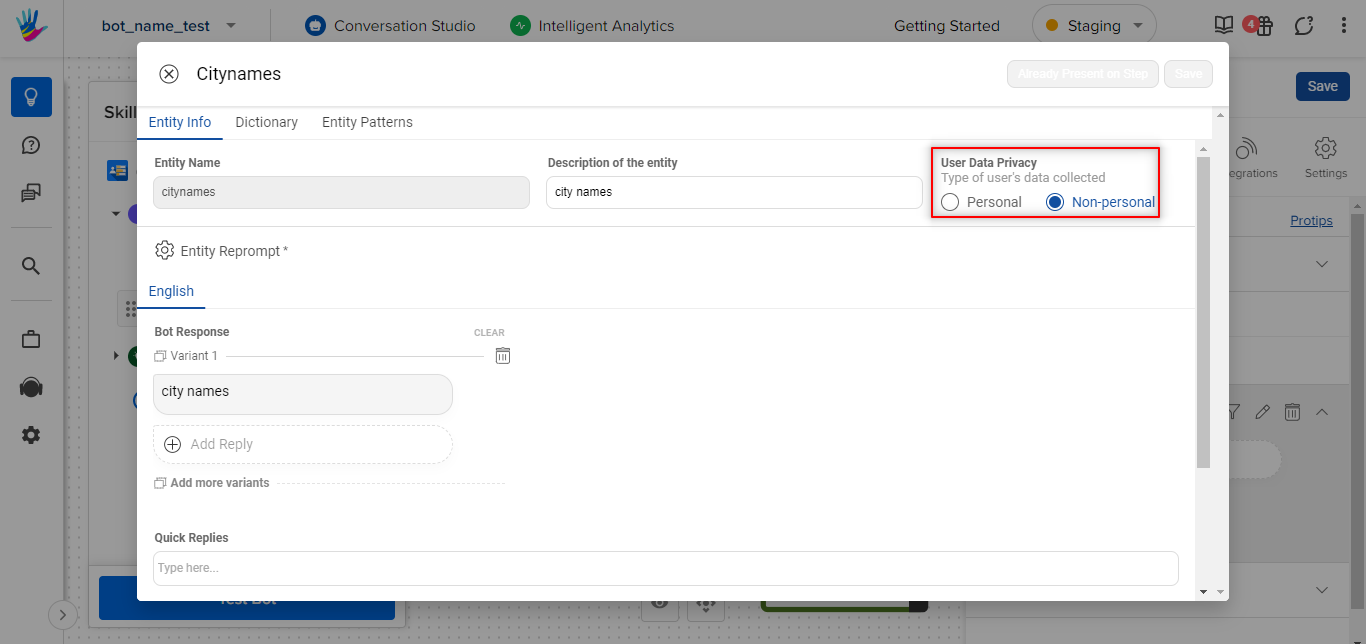
This is how you can mark an entity as a personal entity.