Attachment entity is meant for collecting attachments from the user message.
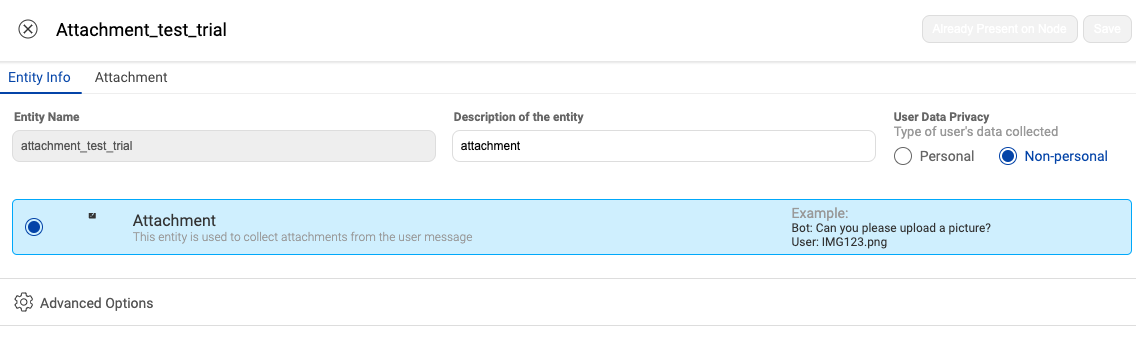
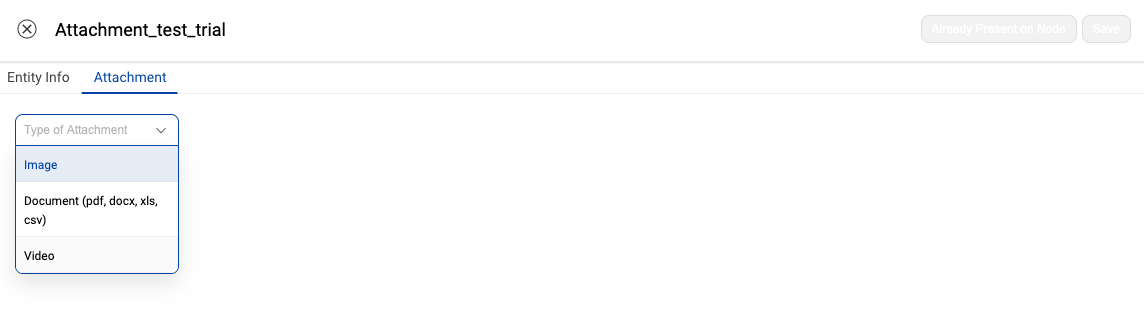
There are these three types of attachments allowed -
- Image
- Document (PDF, DOCX, XLS, CSV)
- Video (Allowed for WhatsApp, web, and app SDK)
The document should be less than 5 MB in size. For a video file, the upload limit is 15 MB.
You would need to create a Button HSL for letting the user upload the image and document. To know more about using Button HSL, click here.
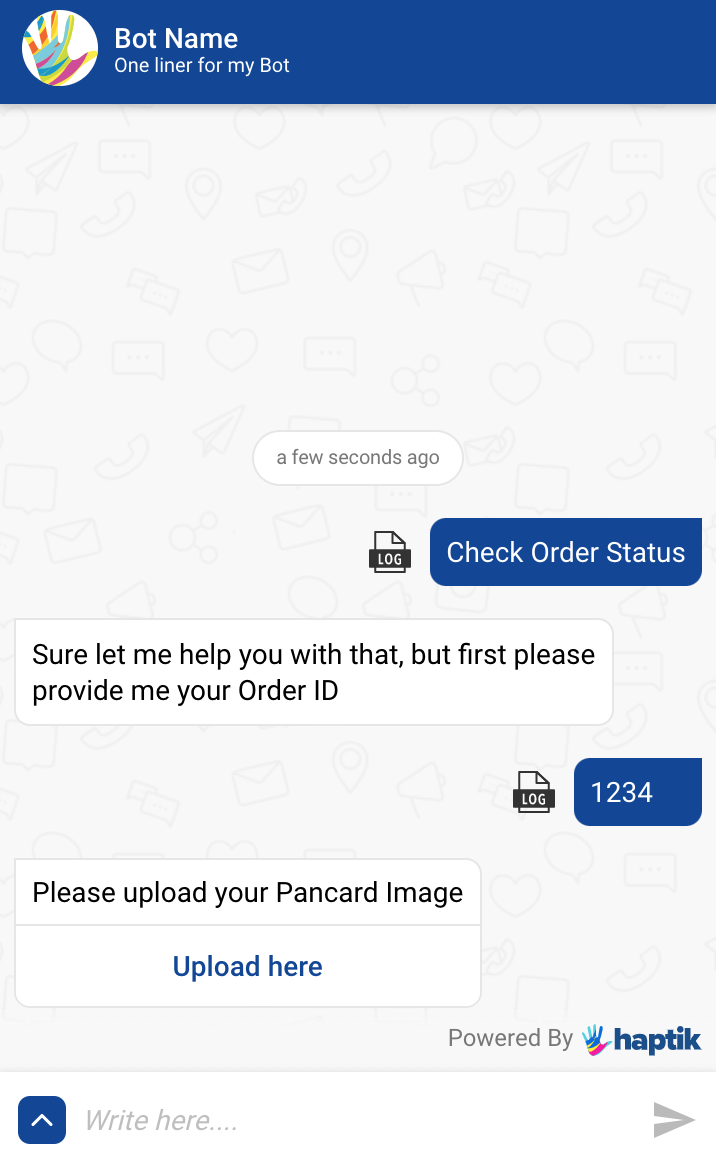
In the above example, if the user is not uploading an image file, then the entity reprompt message would ask the user for valid input.
Video attachment type is only for WhatsApp, web, and app SDK. Once the user successfully uploads the video, he will get an automated message along with the predefined Bot Response messages -
“Please wait while we process your video message.”
For video entity to be captured on a WhatsApp bot, we need to enable the settings from Business Manager as shown below -
The uploaded video will get deleted in 3 days.
You can refer to the below video to see an example in action.