In order to change the User Interface of your bot, you need to navigate to Business Manager > Channels > SDK Configurations, wherein you will get a variety of options to make changes to your bot's user interface, using which you can change the look and feel of your bot as per your requirements.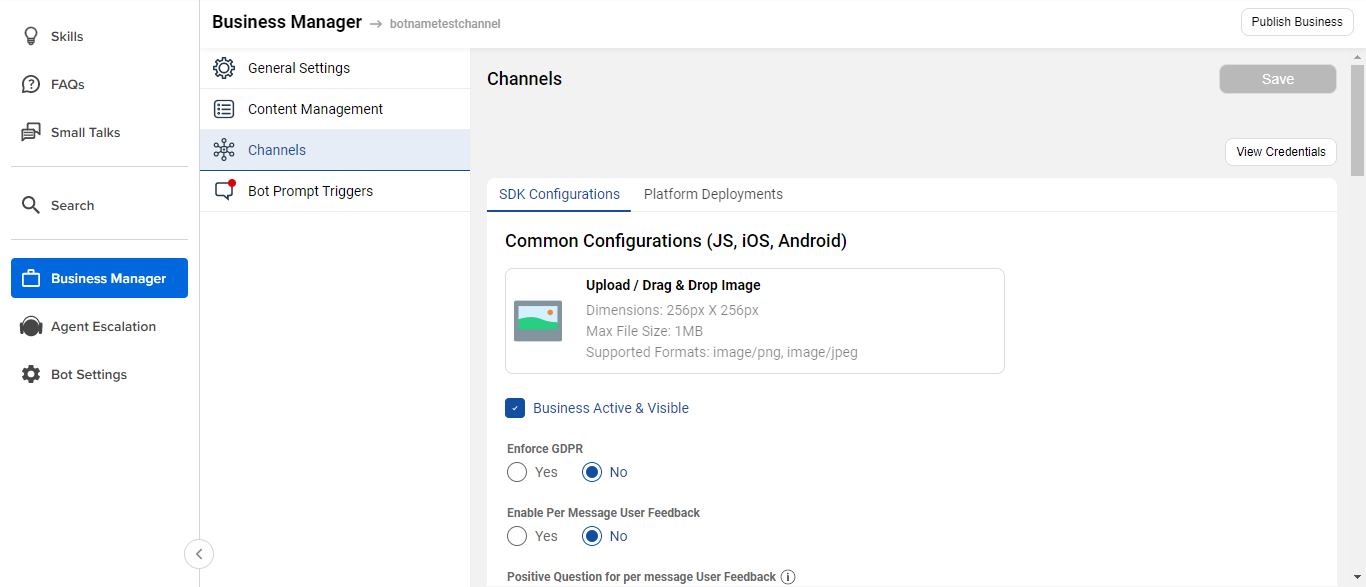
You can read more about it here.