At Haptik, we are committed to delivering enterprise-class support with your success in mind. Whether you’re an experienced user, or just getting started, our global support plan is designed to help you find the quickest path to resolving any product or technical query that you may have.
Keeping that in mind, you will have direct access to our Solution Consultants anytime during the onboarding stage. We believe in collaborative development and our Solution Consultants will provide troubleshooting assistance or guidance on demand.
How to access Product Help Centre?
Self-service resources to allow customers to troubleshoot and identify the root cause of any issue.
- 300+ articles and Troubleshooting Guides
- Configuration Videos & Integration Guidelines
- Classroom training recordings
You can access the Knowledge Base here. You can use the search bar on top to find the exact article you are looking for.
How to contact Support?
- Reach out to your Customer Success Manager
- Send us an email at support@haptik.ai
- Reach out through our Help section on the platform. It will capture every detail of the issue along with the severity. You can read more about how to access the Help section here.
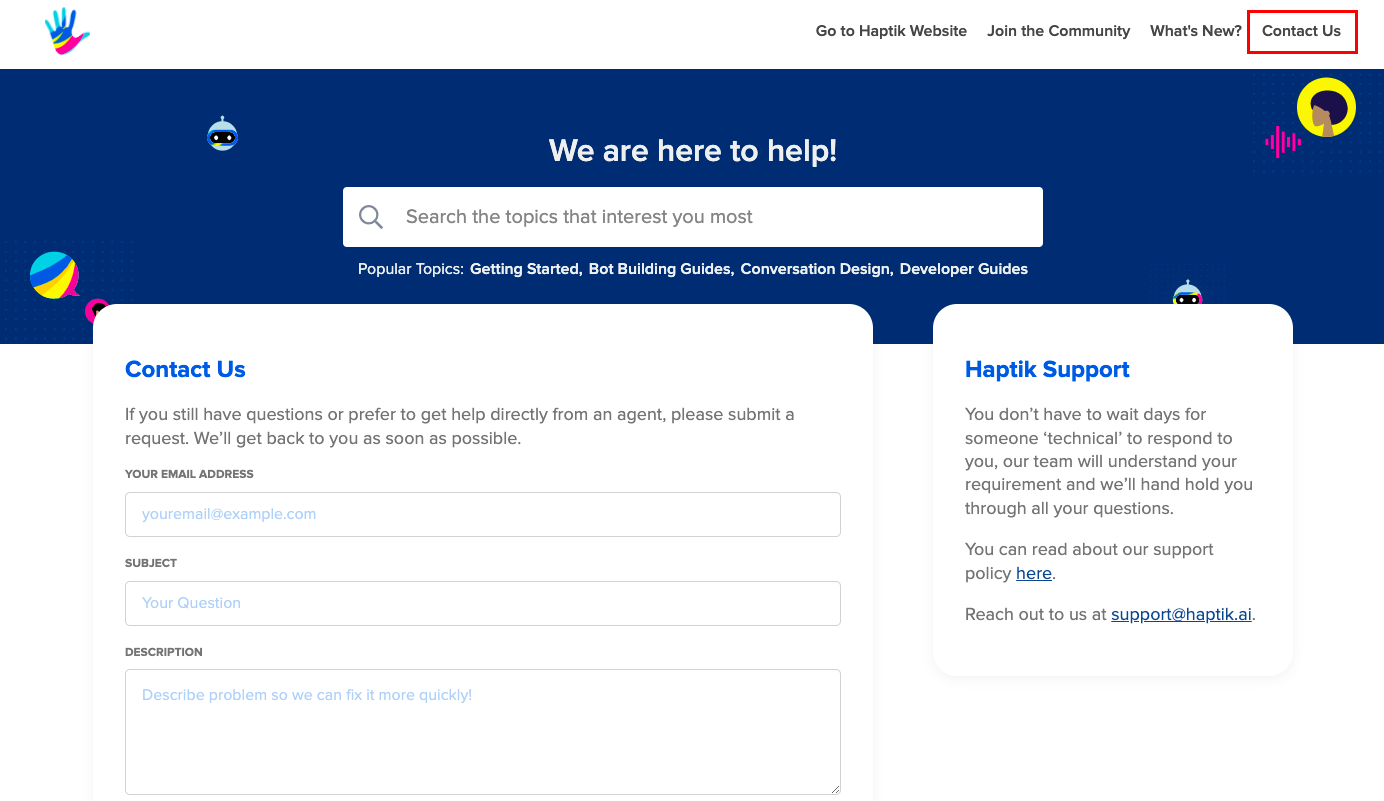
- Use Contact us on the Knowledge Base.
Support Severity vs RTO
| Severity | Support Request | Response Time |
| S0 - Blocker | Critical Functionality has stopped working, serious business impact Example:
|
Within 1 hour (24 X 7) |
| S1 - High | Major functionality has stopped working, moderate business impact Example:
|
Within 2 hours (Business Hours) |
| S2 - Medium |
Minor functionality has stopped working, limited business impact Example:
|
Within 4 hours (Business Hours) |
| S3 - Low |
Improvements required in the tool, no business impact Example:
|
Within 4 hours (Business Hours) |
For Delivery/Platform Issues/Requirements
Reach out to support@haptik.ai
Maintenance & Updates (Part of SLA)
Resolutions to Defects and essential data centre infrastructure and/or Service platform work will be conducted during Scheduled Maintenance.
- System Maintenance periods can be between 0-4 hours or as required. Such maintenance period will be taken up during non-working hours unless any critical issue(s) is to be fixed on an emergency basis on the production system.
- Service Provider will provide prior notice of three (3) days to customers for maintenance activities unless it is an emergency fix.
Maintenance & Updates (Part of SLA)
Resolutions to Defects and essential data centre infrastructure and/or Service platform
work will be conducted during Scheduled Maintenance.
System Maintenance periods can be between 0-4 hours or as required. Such
maintenance period will be taken up during non-working hours, unless any critical
issue(s) to be fixed on emergency basis on production system
Service Provider will provide prior notice of three (3) days to customers for
Maintenance activities, unless it is an emergency fix.