Deactivating a User
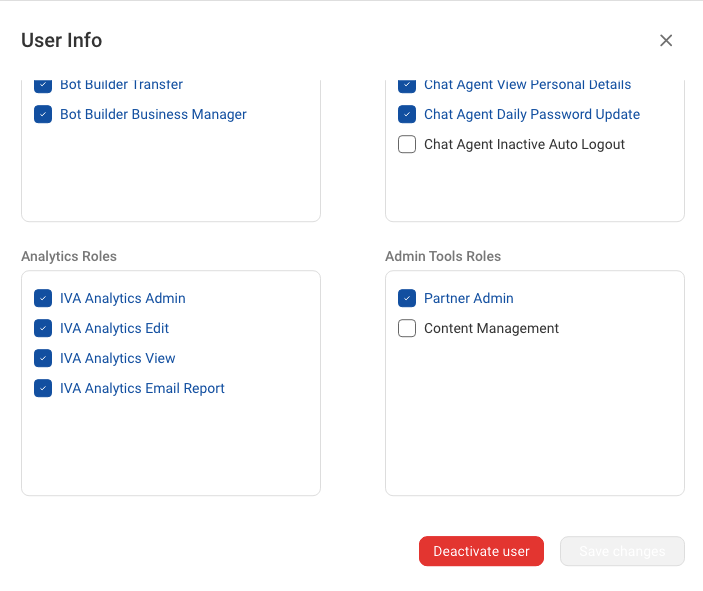
If a user is no longer required on the system, you can deactivate it by clicking on the Deactivate User button in the user modal.
This will deactivate the user across the system and not just in the current account.
If a user is no longer required on the system, you can deactivate it by clicking on the Deactivate User button in the user modal.
This will deactivate the user across the system and not just in the current account.
Thanks for your feedback!
Can’t find what you’re looking for? Email us at support@haptik.ai.