The Permission management tool allows Account Admins to manage the accounts they have access to and provides the following functionality:
- Create New Account
- Add Existing Users to an Account
- Create New User inside an Account
- Change Roles for the user
- Make Bulk Addition/Updates to the users
All of the above functionality is only available to an Account Admin.
What is an Account Admin?
An Account Admin is a special role that can be assigned to someone who needs to manage the access and roles for all users under an account.
Creating New Account
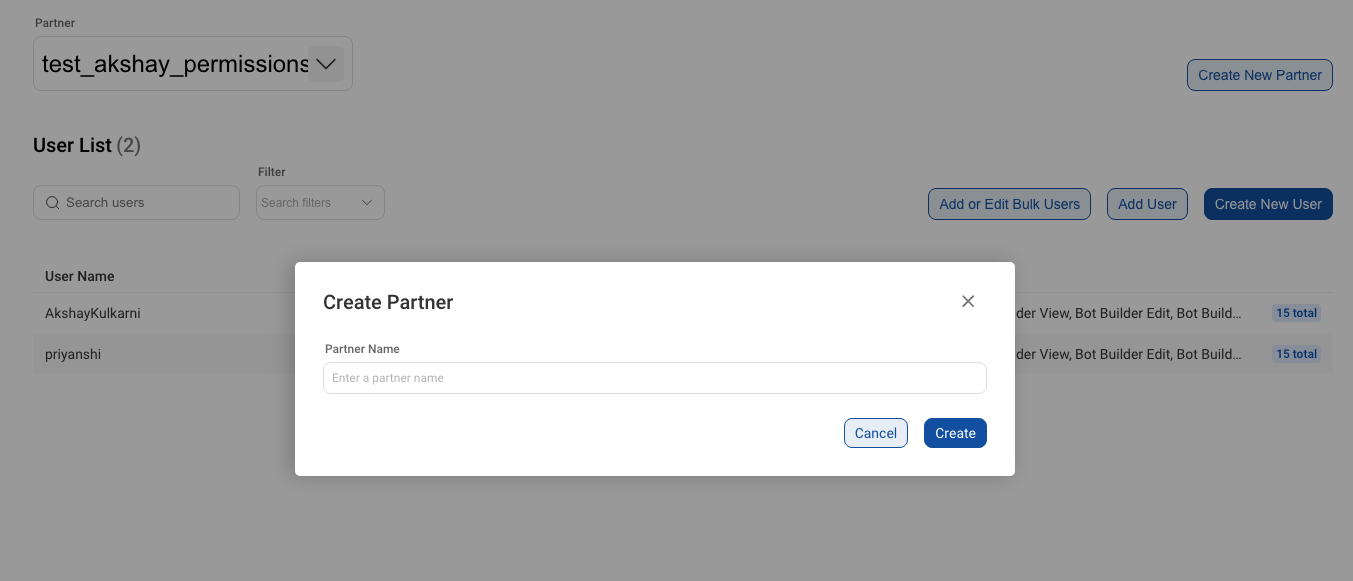
You(Account Admin) can create a new account by clicking on the Create Account button on the top-right corner of the screen and then entering the new account name.