Salesforce allows a business to send structured messages to its customers using Haptik SDK. You can use a wide variety of media and interactive message types supported by Haptik to create rich conversational experiences with your customers and transfer them to Salesforce Service Cloud as agent escalation.
Haptik Web SDK |
Salesforce |
|
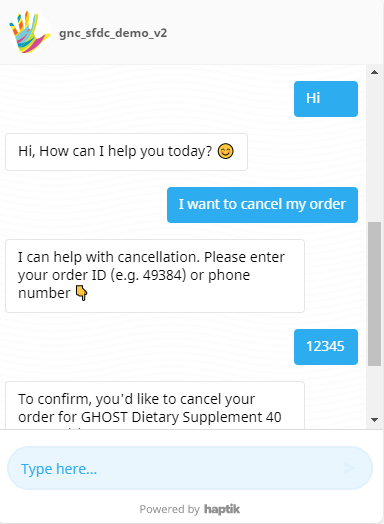
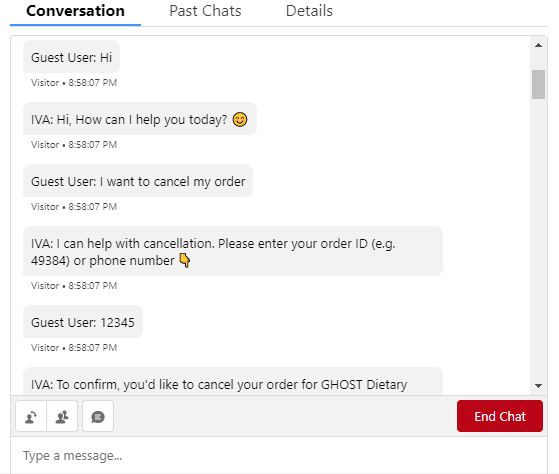
Text Use the following tags to format your text: an Asterisk (*) for bold text, Underscores (_) for italic text, Backticks (` ) for underlined text, and Tilde (~) for strike-through text. | |
 |
 |
|
Links
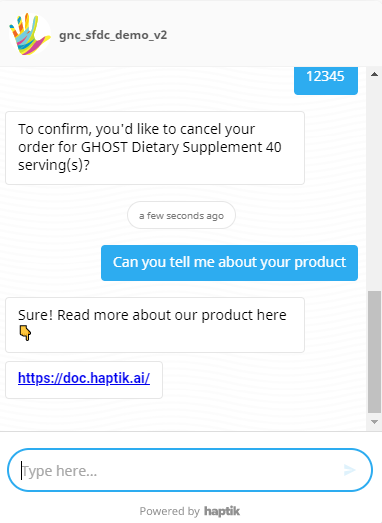
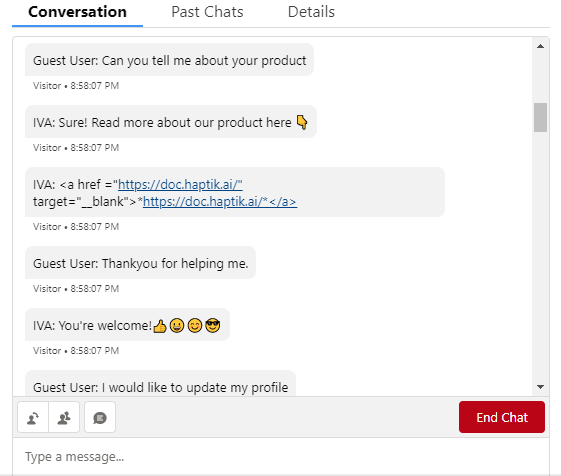
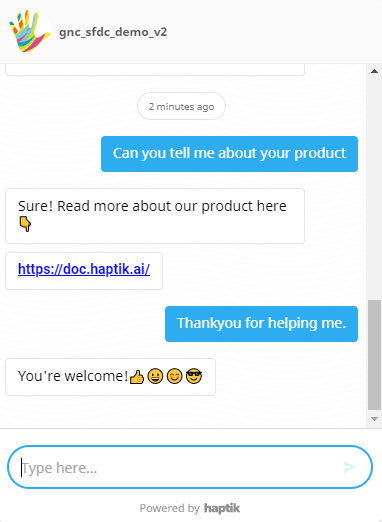
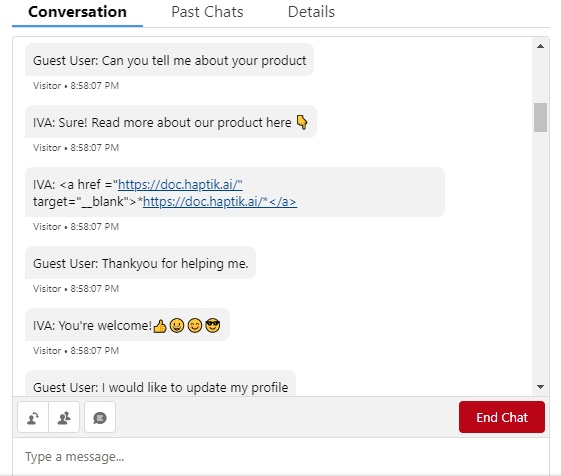
Link opens a URL when tapped or clicked. Deep links are possible in the form of buttons too. Haptik SDK supports formatting by using an asterisk (*) for a bold link, and also hyperlink tags can be used for customization of the link. | |
 |
 |
|
Emoji
It displays any emoji sent in the form of text messages. Mobile users can use the emoji keyboard on their devices to send them. Limitation: It does not include a visual emoji selector on the Haptik widget at the moment. | |
 |
 |
|
Quick Reply
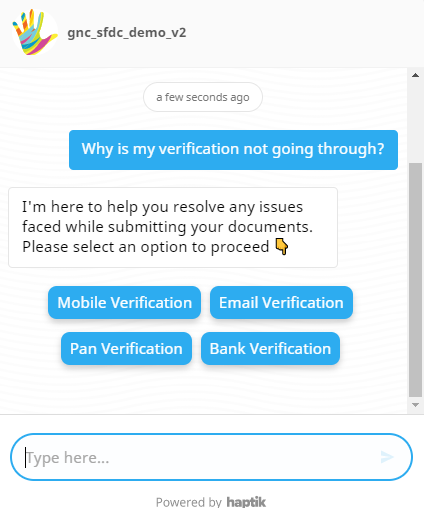
Quick replies are a great way to suggest various courses of action to a user. Once you select a Quick Reply, the remaining quick replies will disappear from the widget. Your selection is then passed to the conversation as user input. Limitations: Only supported by Haptik SDK and QR will not be shown to agents on Salesforce. Haptik SDK supports 45 characters on Quick Reply Text and a maximum number of 11 Quick Replies. | |
 |
Not supported on Salesforce. |
|
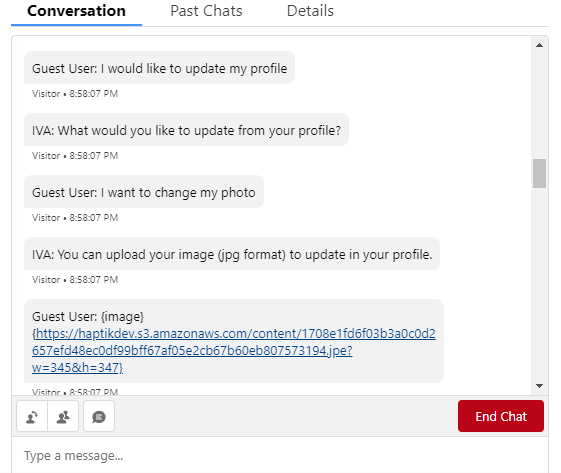
Button
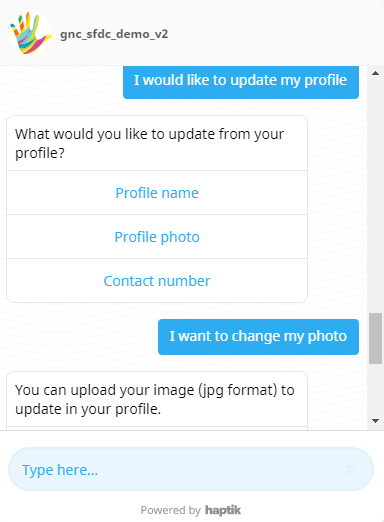
Buttons can trigger replies, web links, purchases, and more. The button does not disappear after the user taps on it, and therefore it can be clicked multiple times. Limitations: A total number of 7 actionable buttons are supported. Character Limits: 70 characters are supported on the button. | |
 |
 |
|
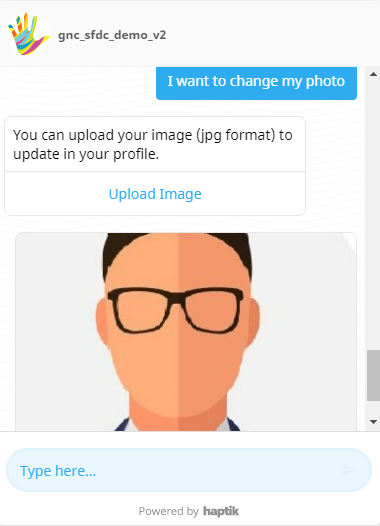
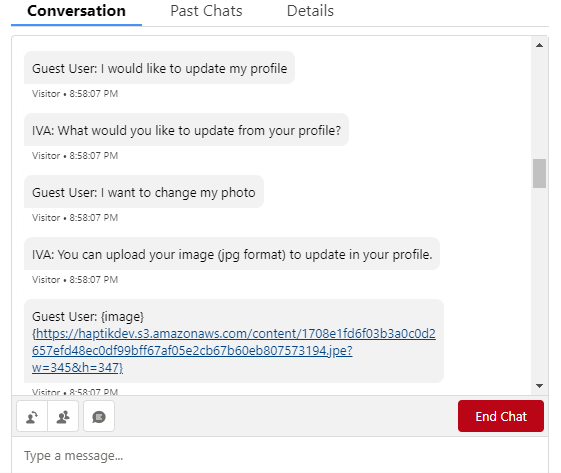
Images
Sending images to users and getting images is simple and supported through Haptik messaging shorthand and gets stored as a link in Salesforce. The supported image formats are PNG and JPEG. Limitations: It supports a file size limit of 5MB. | |
 |
 |
|
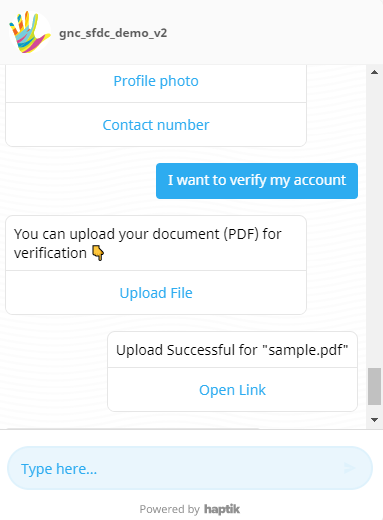
File
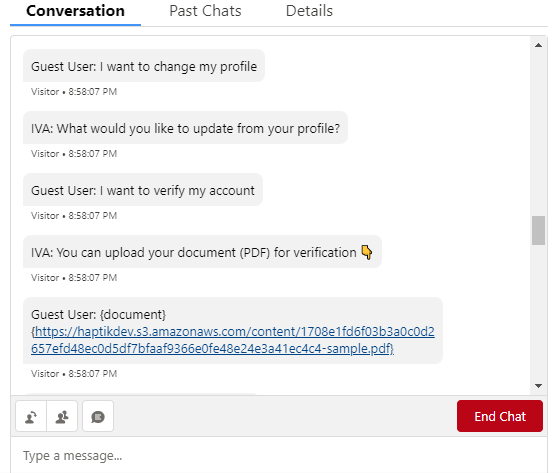
Files can be captured through the Haptik web SDK. From the Salesforce dashboard, agents can view it in link format.
Limitations: Haptik files captured are supported to a file size limit of 5MB. Documents can be accepted in PDF, DOC, XLS, CSV format. | |
 |
 |
|
Webview
Webview buttons allow you to send Conversation Extensions to render custom experiences on top of the conversation when the button is tapped while keeping the user in the same seamless flow. Limitation: Only supported by Haptik SDK to display, and that webview will not be shown to agents on Salesforce. Webview URL must also be https or it will fail to load. | |
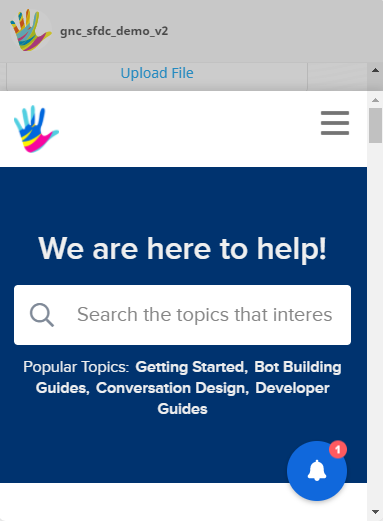 |
Not supported on Salesforce. |
|
Carousel
A Carousel is a horizontally sliding catalog of options a customer can pick from. Each option is displayed as a card with an image, title, description with two buttons limit.
Limitations: Only supported by Haptik SDK and Carousel will not be shown to agents on Salesforce. | |
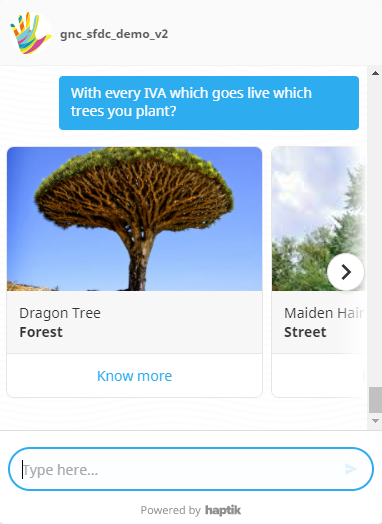 |
Not supported on Salesforce. |
|
Location
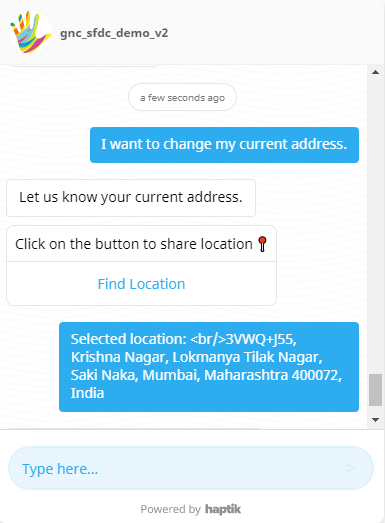
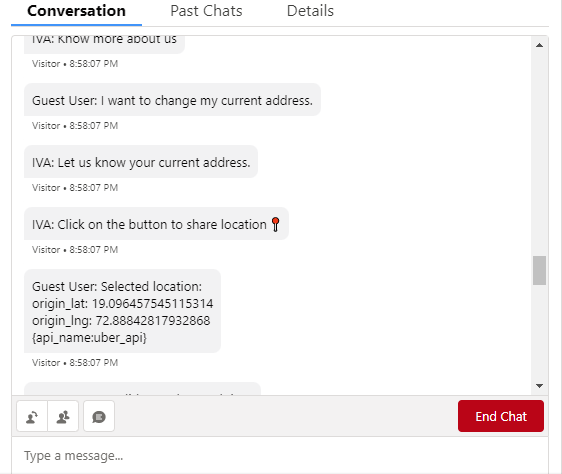
Location messages allow you to quickly send the user’s location. Location messages will be rendered as location origin. | |
 |
 |
|
Form
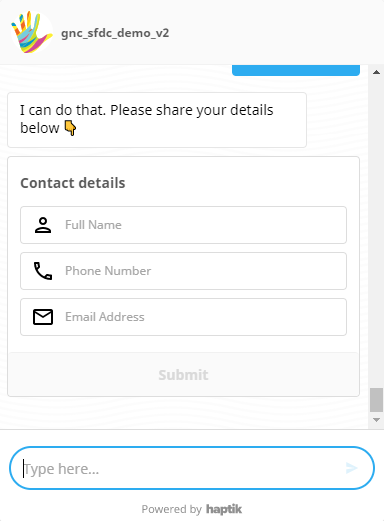
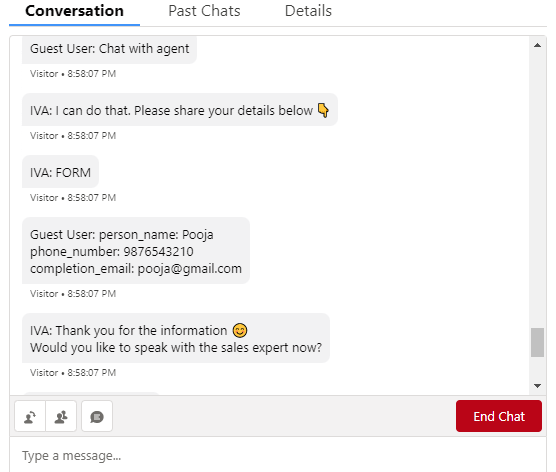
A Form can be used by the users to fill in and submit their personal or other types of data. Custom Validation for inputs and patterns are supported with forms. | |
 |
 |
|
GIF
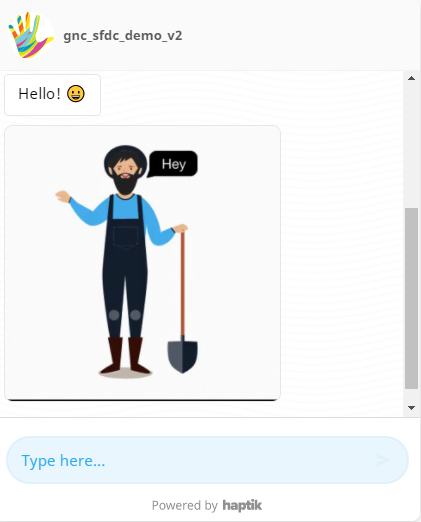
It is used to send an animated GIF. Salesforce allows you to send the GIF from a Haptik chatbot and consider it as a carousel to the Salesforce agent chat page
| |
 |
|
|
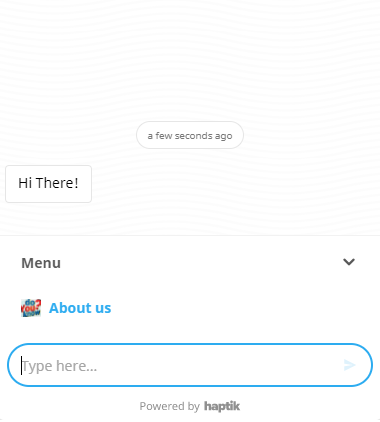
Menu
The menu offers the user to choose from several options, presented in the form of menus. Depending on what the user clicks on, the bot then prompts a set of options for them to choose and so on continue chatting. | |
 |
|