Overview
The Teams section on Smart Agent Chat allows you to add Agents to your account, create Teams of Agents, and manage various settings that are applicable to your Agents and Teams. This section also provides you various real-time data related to chat traffic being handled by individual Agents at any given point in time.
This section can be accessed by clicking on the “Teams” icon on the left navigation pane, as shown below.
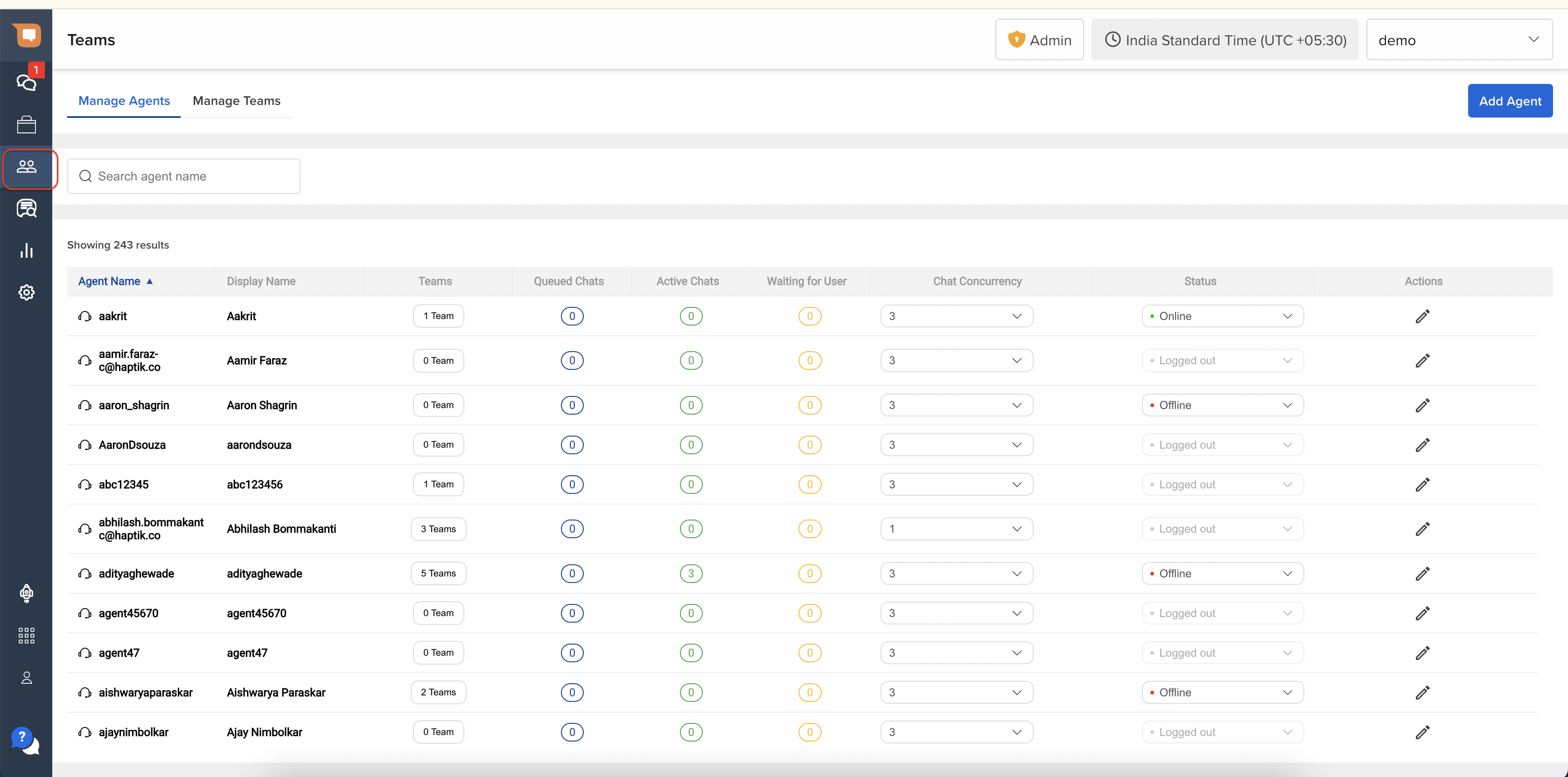
This section contains 2 sub-sections:
- Manage Agents: This page allows you to add, view, and manage all Agents on SAC your account.
- Manage Teams: This page allows you to add, view, and manage all Teams on SAC your account.
Manage Agents
On this page, you can:
- Add Agents
- Edit Agent Settings
- Remove Agents
- View Queue related information for Agents
Refer to this page for more details.
Manage Teams
On this page, you can:
- Create a Team
- View the list of all Teams
- View Available Capacity in Teams
- View Capacity Utilization of Teams
- Edit Team Settings for an existing Team
- Disable a Team
Refer to this page for details.