Once you are done with creating all flows in your IVA, you would want to start the testing phase. For the same, you can share your IVA with your team members so that they can perform user-level testing.
How can we share our IVA?
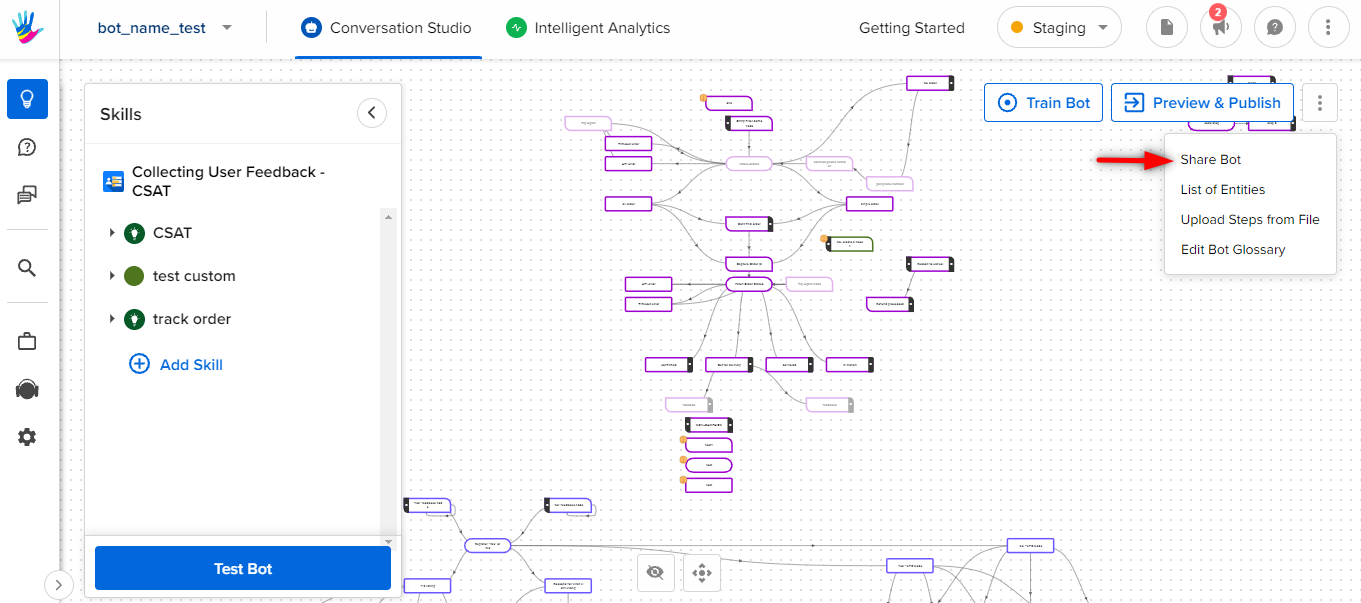
Share IVA is the button located on the top right corner of your IVA graph.
What does the Share option do?
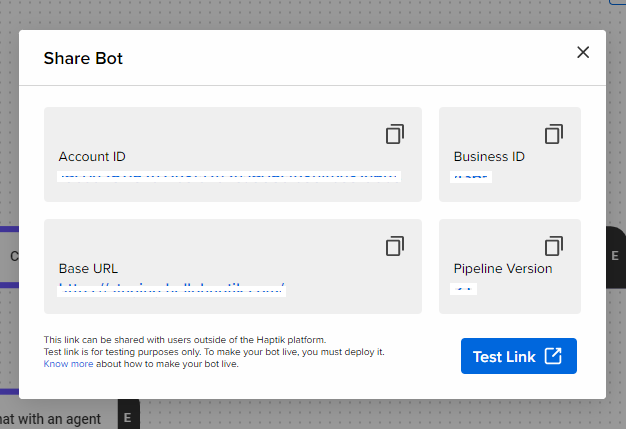
- On clicking the Share button, you can see a list of credentials of your IVA and a Test Link button.
- These credentials should map to the credentials procured while creating the account and business.
- On clicking the Test Link button, a link is generated which is referred to as Test Link.
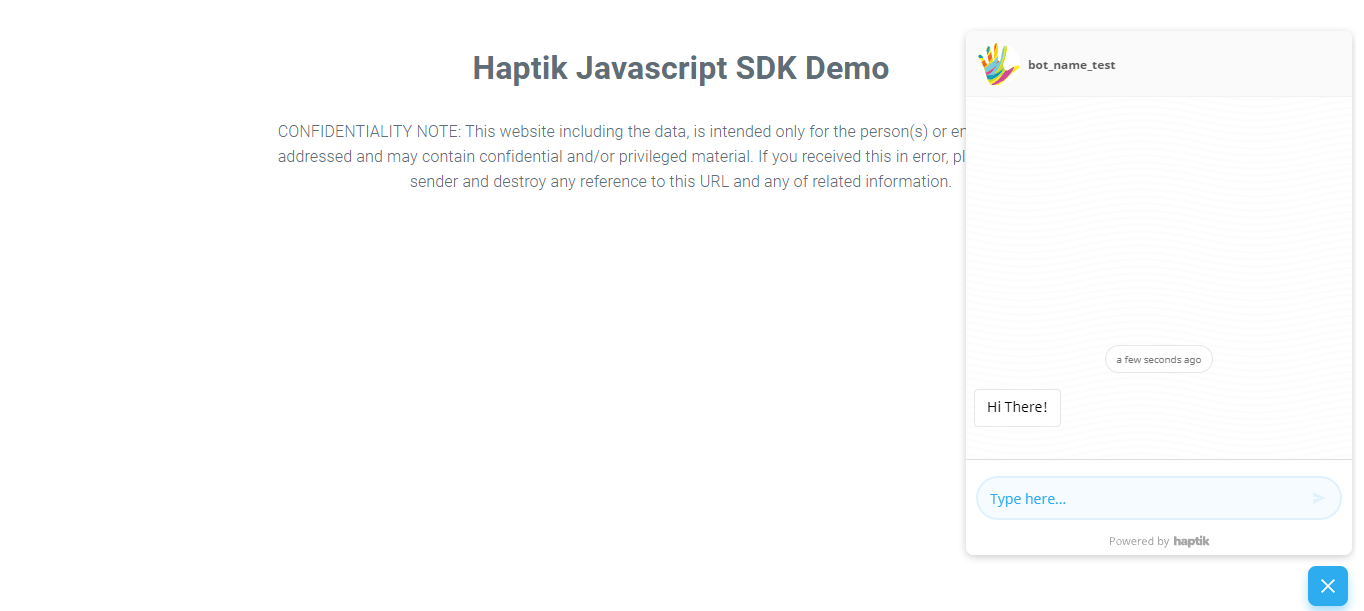
- The Test link can be shared across for testing. It gives an idea of how the actual IVA will function.
How does the Test link look like?
What to do when the test link is not working as expected?
The foremost resolution is to check the URL link and inspect whether the 4 credentials (Account Id, Business Id, Pipeline Version, Base URL) are correct or not. Once they are configured properly, refresh the page.
What are the credentials of an IVA?
There are four main credentials of an IVA
- Account Id: This is obtained when the account is created
- Business Id: This is obtained when the business is created
- Pipeline Version: This is generated when the bot is created
- Base URL: This indicates which environment is the IVA placed on (staging/production)
These IDs are used to map the account, business, and IVA.
Staging is our Development environment and Production is our Live environment