While working on Haptik, you might get automatically logged out and land on the login screen, asking you to log in again.
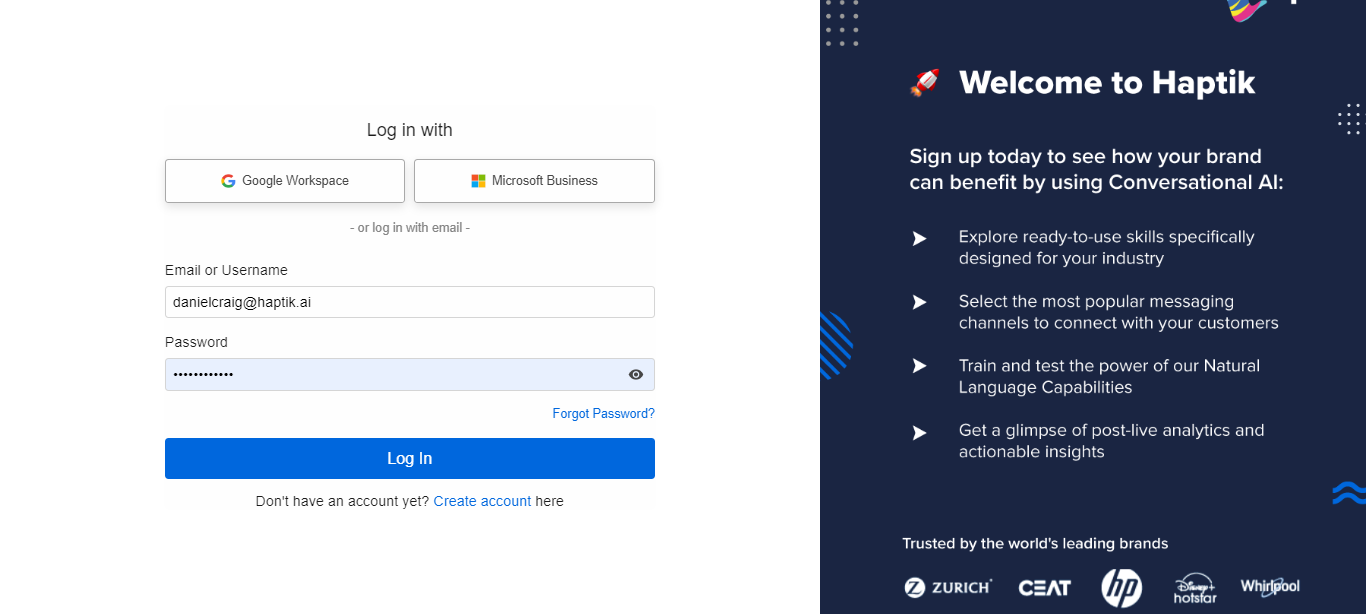
This happens because Haptik observes 24 hours of inactivity. This means in the last 24 hours, the tool was open on your browser but there was no activity on it. This is an expected session timeout behavior of the tool.
If you have any queries, please reach out to our Support team at support@haptik.ai.