Staging is the environment, where you can build your bot, test your bot. Once you have completed the testing of your bot, and you want to take it live to your end-users. You can take it live through our Production environment.

Once the bot is built and has passed the functional testing, you can publish the bot to production as shown above.
Whenever the Publish button is clicked, all the Skills, Skill Set, entities, connections, and details of the IVA are published to the production environment.
You will be shown a pop-up if there are any issues with the IVA before publishing starts. You can confirm to proceed by clicking on the Publish button.
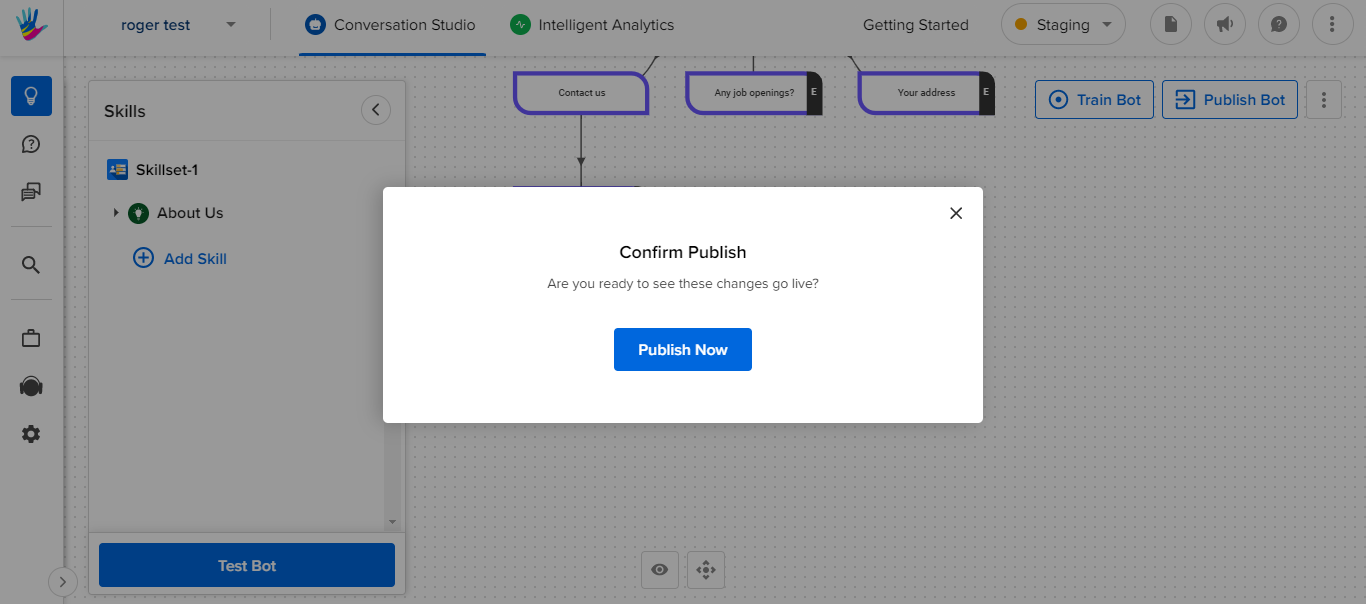
The publishing process will involve the following stages -
- Publish Business to Production. You can read how to do it here.
- Publish All Menu options from the Content Management section of Business Manager (if you are using Menu)
- Publish Bot to Production
You can refer to this article, if you want to know more about Preview and Publish.