If you want to add a hyperlink in a Bot Response, then you can make use of HTML Anchor tags in Raw Text/JSON.
Let us understand this in detail,
- Navigate to the Step, where you want to add a hyperlink in the Bot Response section.
- Add a RAW Text/JSON Chat Element as a Bot Response.
- Add the following HTML command in it -
<a href="actual link here">The text you want to show</a> - For example: Let us add
<a href = "https://www.haptik.ai/">This is your test link</a>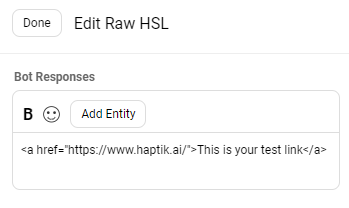
- Next, you can Modify the User Messages accordingly, and Train the Bot.
- Once the Bot is trained, you can now Test it.
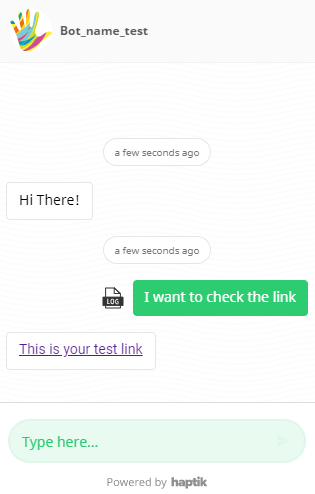
- As shown in the image below, I requested the bot that I wanted to check the link, to which the bot responded with the "This is your test link" response, which is a hyperlink.
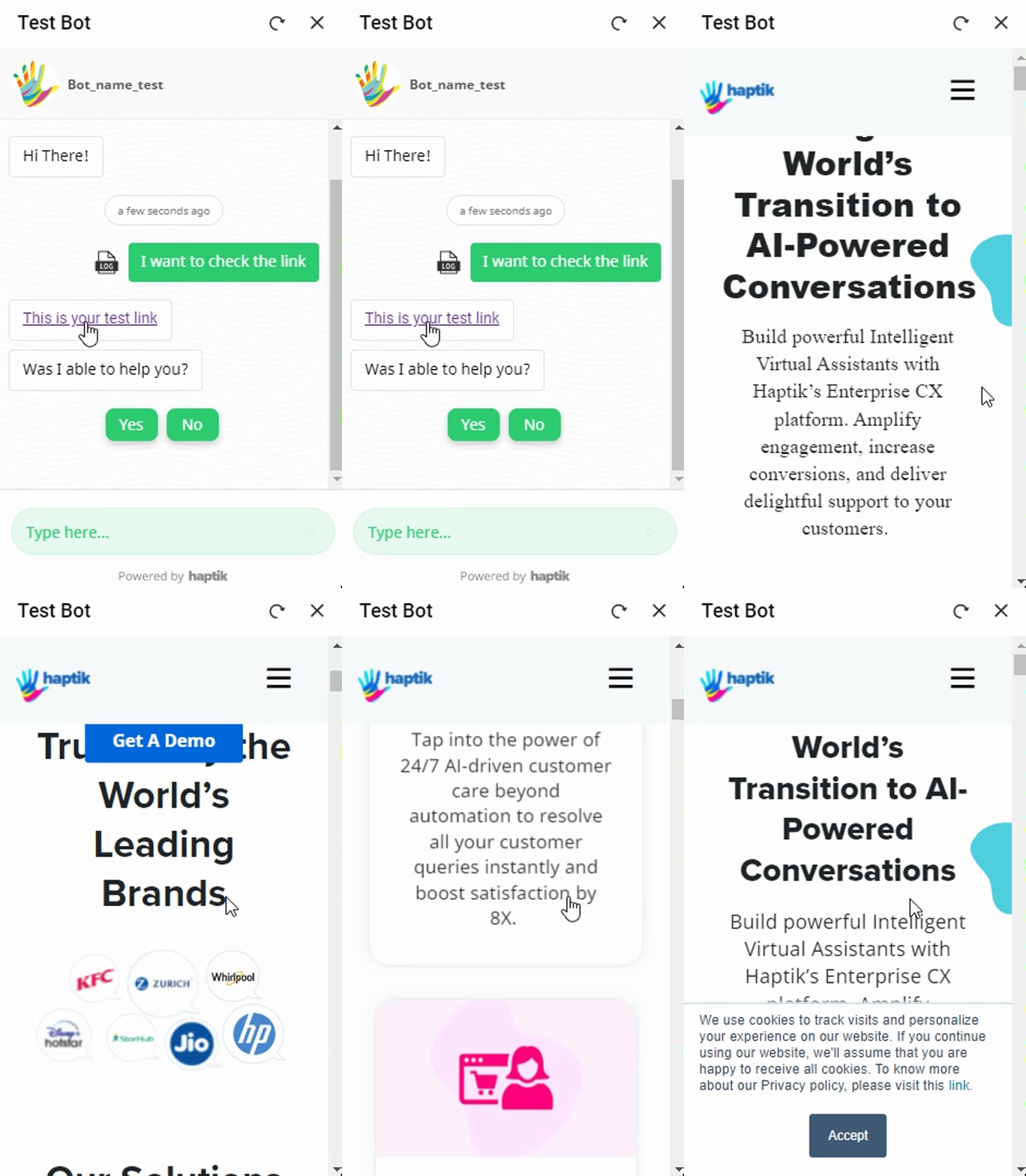
- After clicking on the text containing the link, it lead to the Haptik website, as the link was configured over that text.
So, this is how you can add links without having the need to add a Button.
If you want the link to open in another tab, rather than it opening in the bot itself, you can use this command:
<a href = "actual link here" target = "_blank">The text you want to show</a><a href = "https://www.haptik.ai/" target = "_blank">This is your test link</a>