The transition from a static step to a code step happens automatically once all the required entities are collected.
However, if the static step is connected to another static step and has a user message or entity based transition and the condition for these transitions get satisfied then the transition will happen to the connected static step and not the connected code step.
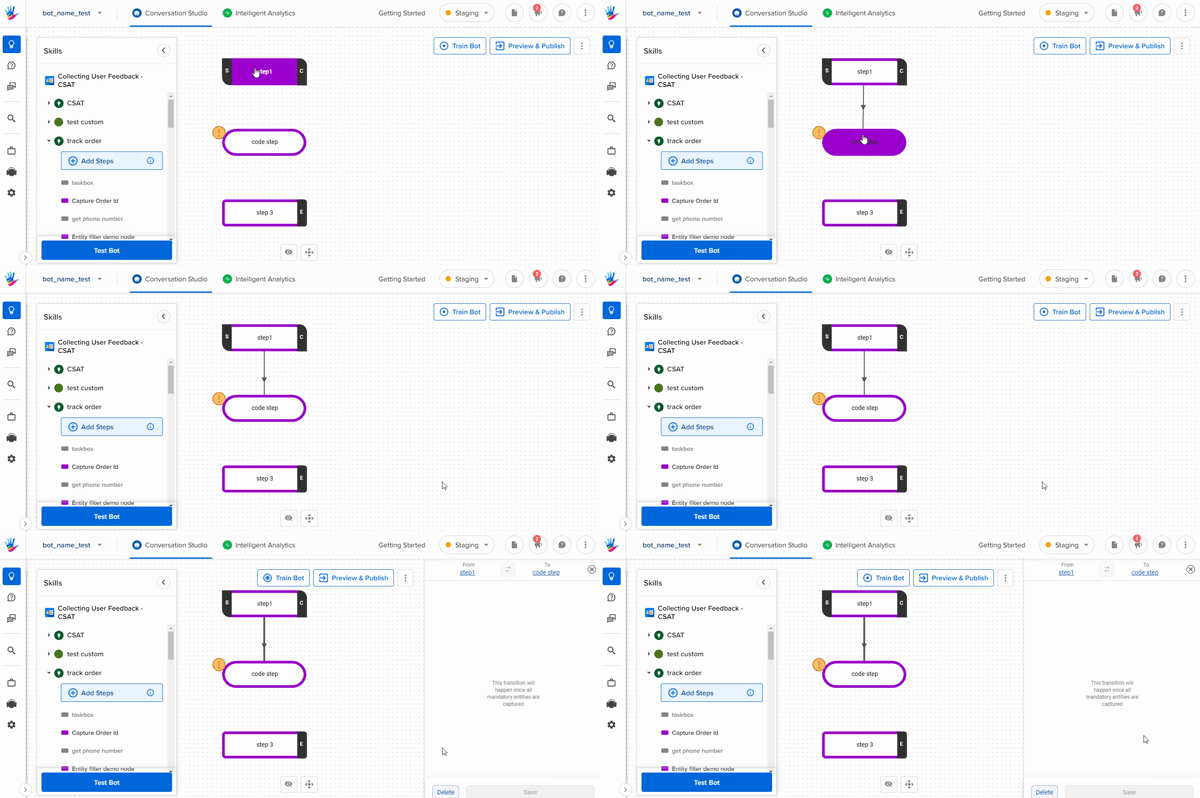
If you are not able to connect a static step to a code step, then check if there are any inactive code step connections already present. If the connection is present, you will have to delete the connection first and then create a new connection.
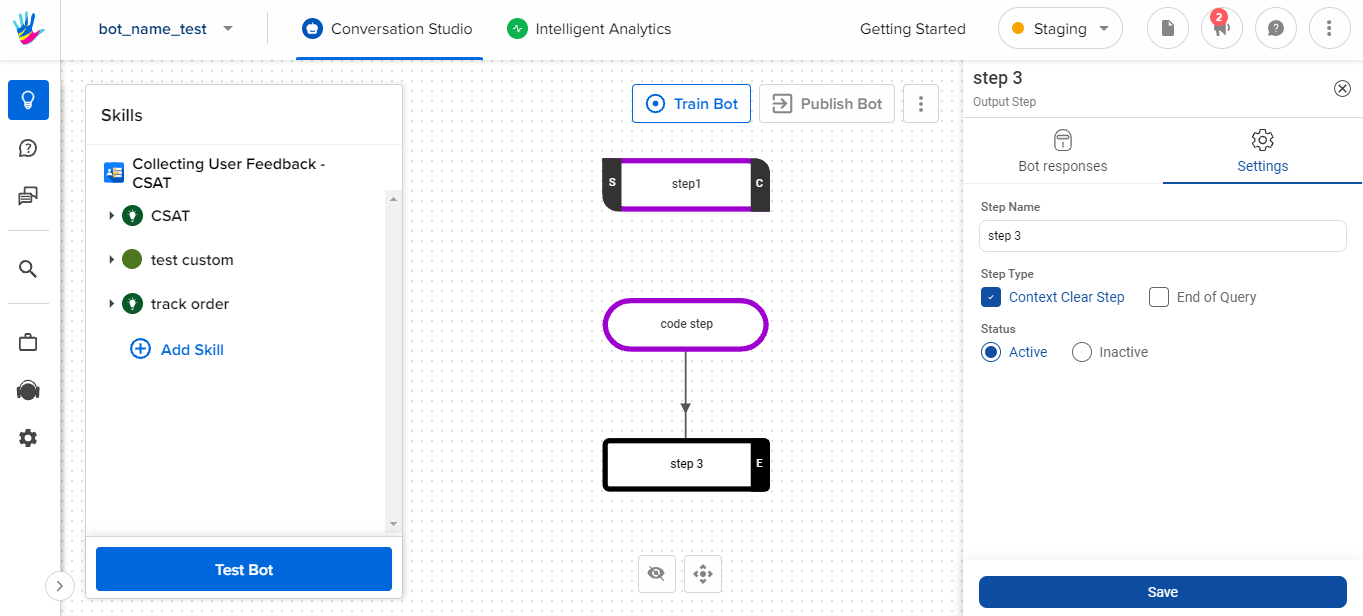
If you are not able to transition from a Static step to Code step, then you need to understand the following -
- Either the Code step was not created properly, so you can recheck this.
- Secondly, when you create a Code step , we need to save the code at least once by opening the code editor.
If you do the above checks, it would fix the problem.